Forward it. It arrives clarified.
You have a personal capture address. Any mail you forward there becomes an item in your inbox, attachments included, and by the time you open tidemind a proposal is already waiting: next action, list, context, minutes, energy. You confirm or change it. If you prefer not to forward, connect an IMAP mailbox and move mails into one folder instead.
Your capture address
sascha.7f2a@in.tidemind.app
The way in
Fwd: Q3 receipts — Ms. Berger
Forwarded from your mail client to your capture address. 2 attachments.
Q3 receipts — Ms. Berger
One item. Source: email. The two PDFs are attached to it. Nothing has been decided yet.
Call Ms. Berger about the missing Q3 receipts
Next actions · @calls · 10 min · energy: low · rank B. Ready when you open the inbox. Confirm, change, or discard.
Half of what you have to do arrives as email. So the mail client became the task manager, and the inbox became the list.
Forwarding to a task app helped a little: the subject line landed as a task, the attachment did not, and the clarifying was still yours to do later.
Capturing was never the hard part. Clarifying is.
The proof
What came in by email today?
list({ list: "inbox", source: "email" })
Q3 receipts — Ms. Berger 2 attachments proposal ready Offer: office chairs 1 attachment proposal ready Newsletter, 14 Sept — proposal: reference3 items from email. None clarified yet; all three have a proposal.
How it works
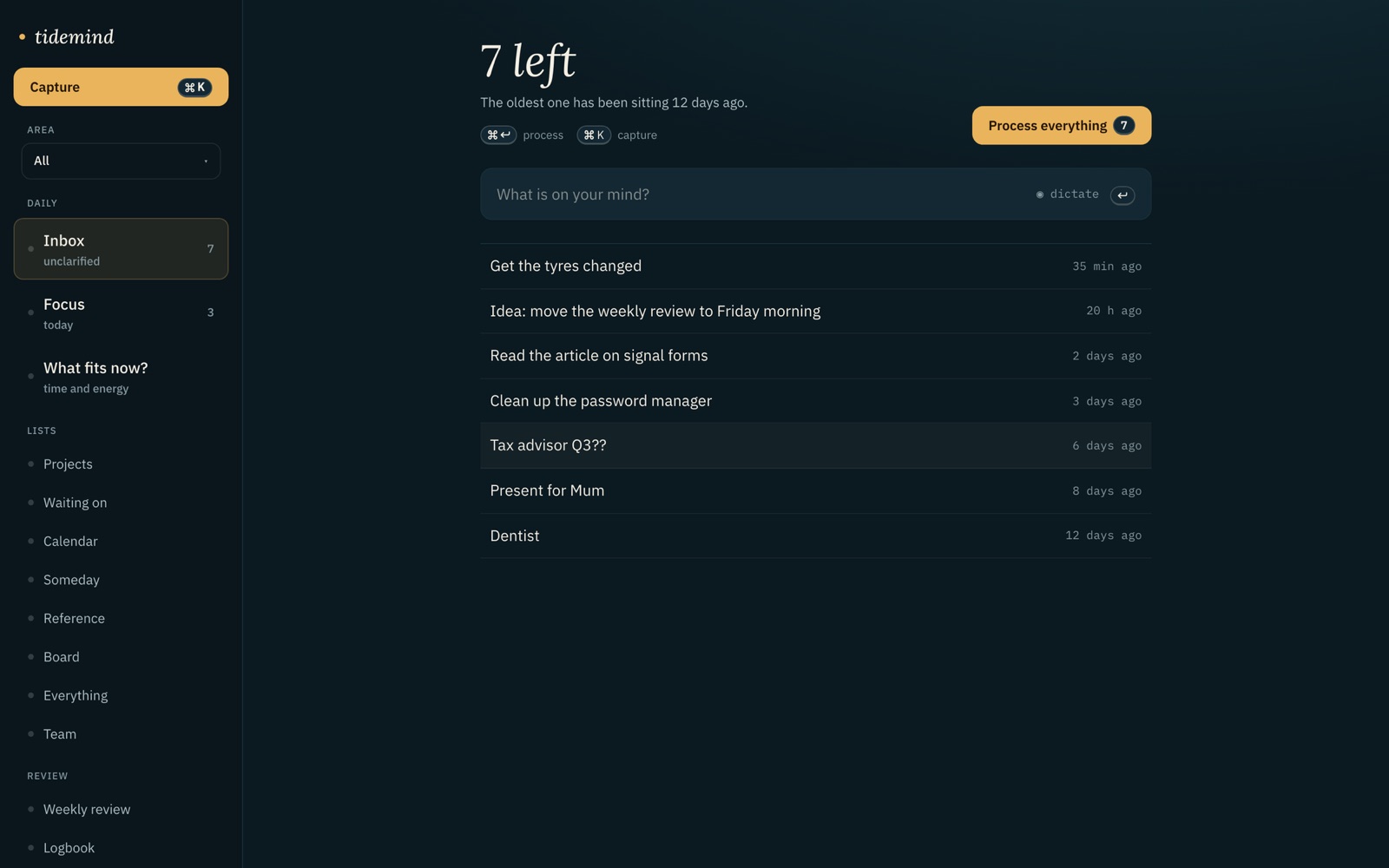
What is actually there
Questions
What happens to attachments?
They are stored with the item in an object storage at OVH in Germany and shown on the item. They are not sent to the AI model; only subject and mail text are used for the proposal.
Can anyone who knows the address fill my inbox?
Anyone who knows it can send to it, which is why the address contains a random part and can be regenerated in Settings at any time. Items from email carry their sender, so you see where something came from before you clarify it.
How does the IMAP connection work?
You enter your mailbox and choose one folder. Only mails moved into that folder are fetched; moving a mail is your act of capturing. The check runs every few minutes. Credentials are stored for the connection and never sent to the model.
Is the proposal applied automatically?
Only if you set it so. In Settings each AI function has three positions: off, suggest, automatic. The default for email is suggest: the proposal waits in the inbox until you confirm it.
Is email intake in the free plan?
During the beta, yes, for everyone. After the beta it is part of Solo and Team.
Last updated:
Related pages
Forward it. It arrives clarified.
Join the beta — freeFree while the beta runs · no card